Sales teams and territories
Sales force automation, presales and territories
A field sales app for store visits, order taking and telesales, on the same customer data as your online store. Managers split territories and follow the team from the back office.

Van sales video
Sales zones on a map, the store brief before each visit (ordering rhythm, 90 day history and what the store owes), billing and taking cash or a QR payment at the store, the month target, stock running low on the van and the round close in the app, then every van and the call plan results in the back office. Figures are sample data; the soundtrack is music only.
Territories
Draw zones on a real map and see which stores nobody covers
Draw sales zones on the map, give the stores in each zone to a rep, and see how much of each zone is covered and which stores fall outside.
- Zones drawn on a Longdo map
- Stores assigned rep by rep
- Coverage per zone

Before the visit
Give reps the customer context before each visit
The app opens on today's visits. Tap a store to see 90 days of sales, credit, what is owed and what they usually buy, so the conversation starts in the right place. The order is taken in the same app.
- A daily visit plan
- Check in and shelf checks
- Repeat the usual order in one tap


Targets and results
Reps see their own target every day
Sales targets and case targets by brand live in the app, so reps know how far they have to go. Managers see the whole team without waiting for anyone to send a report.
- Targets in baht and in cases
- Sales over 7, 30 or 90 days
- Each rep's top stores


Telesales
Call the stores that are slipping before you lose them
Stores are ranked by who to call first, from missed order cycles and falling spend or frequency. Your team sees the buying history before the call, logs the outcome and can open an order on the same account. Your people make the calls; the system does not dial out.
- A ranked follow-up list
- Log each conversation
- Open an order from the same page

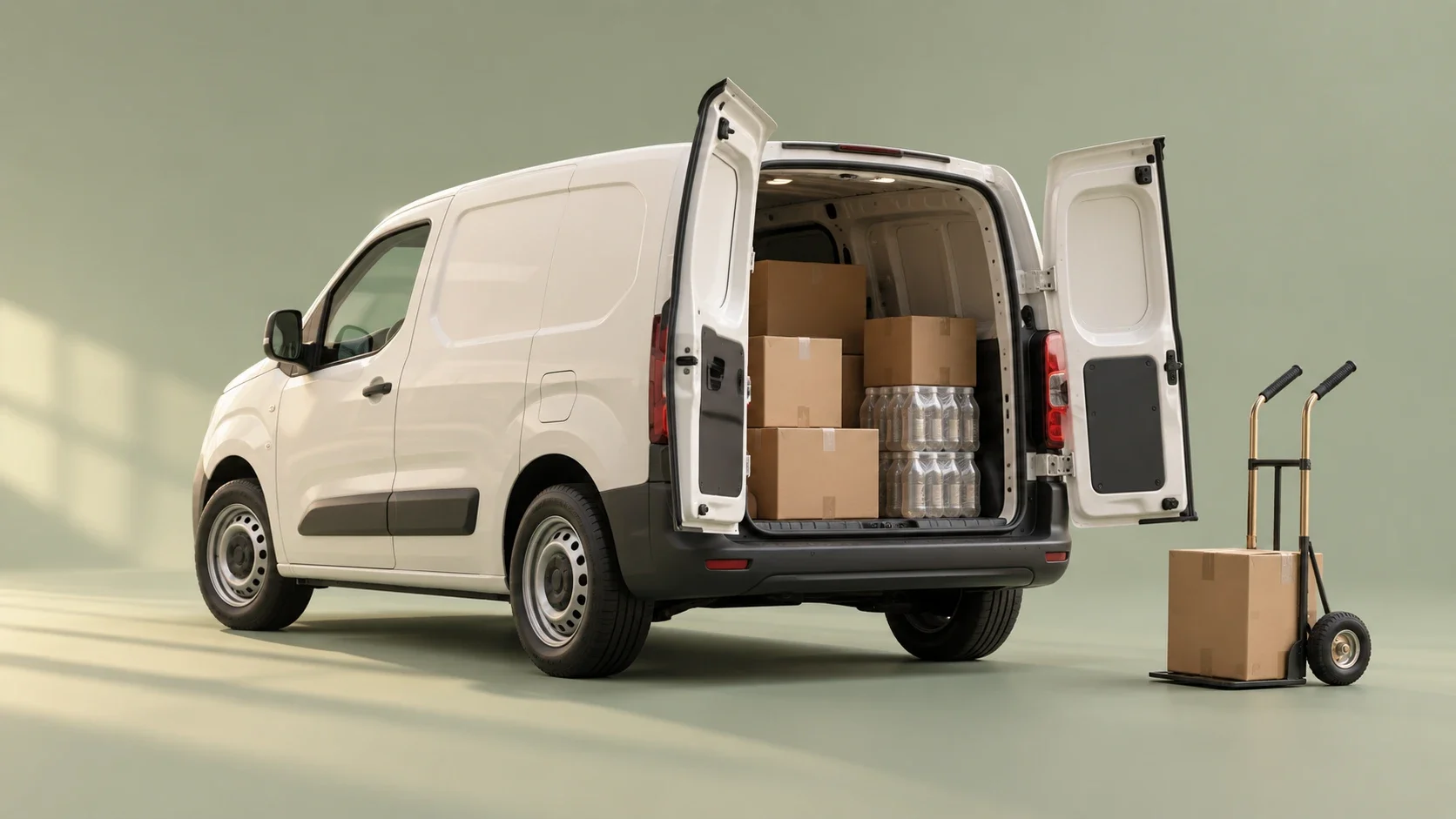
Selling from a van
Reps with stock on board use the same app
If your reps carry stock, they bill, collect payment and take stock off the van at the store, then close the round in the app.
- Stock per van
- Cash, transfer or credit
- Round close in the app


FAQ
Common questions
Does the sales app work for reps with and without a van?
Yes. One app covers store-visit reps, order-taking reps and van sales. Reps without stock take orders for a truck to deliver later, while reps carrying stock bill, collect payment and deduct van stock at the store. Our team switches on field sales and van sales after reviewing the app and devices with you.
Can I draw sales territories on a map and see uncovered stores?
Yes. Draw zones on a Longdo map, assign the stores in each zone to a rep, and see how much of each zone is covered and which stores fall outside every zone. The territory module is enabled by our team. Drawing territories does not mean the system plans driving routes automatically.
Can reps check a store's details before the visit?
Yes. The app opens on today's visit plan. Tap a store to see 90 days of sales, the credit limit, what is owed and what the store usually buys. Reps check in, check the shelf and take the order in the same app, repeating the usual order in one tap, with prices, units and deals taken from the store account.
Can I set sales targets for each rep?
Yes. Targets in baht and in cases by brand sit in the rep app, so each rep knows how far there is to go. Reps can review their sales over 7, 30 or 90 days and see their top stores. Managers see the whole team from the back office without waiting for anyone to send a report.
Is there a telesales tool for calling customers?
Yes, a ranked call list. Stores are ordered by who to call first, based on missed order cycles and falling spend or frequency. Your team sees the buying history before the call, logs the outcome and can open an order on the same account. Your people make the calls; the system does not dial out.
Other products
Plan the right setup with our team
Our team reviews your business and plans the right setup with you before you start.